

The Wait, What? Guide to APIs: Finding the Program Under the Hood
The “Wait, What?” Guide to APIs: Finding the Program Under the Hood
You are thirty paragraphs into documentation for the Web Audio API. The page is discussing JavaScript processing, synthesis, nodes, and contexts. You understand every individual word, yet one stubborn question remains: What program am I connecting to?
This is where many API explanations fail beginners. They define an interface without identifying the system behind it. It feels like someone handed you a steering wheel but refused to say where the car is parked.
The answer depends on the API. The program may be your browser, your operating system, an installed library, or a remote service. Learning to identify which kind you are looking at makes documentation dramatically easier to read.
Listen to the full Deep Dive Classroom audio lesson

First, stop looking for one universal API machine
There is no single type of program hiding behind every API. “API” describes the interface contract, not the location or architecture of the system implementing it. Two APIs can use a similar request-and-response pattern while connecting to completely different kinds of machinery.
The right question is not simply “Where is the server?” It is “Which system exposes this interface, and where does that system run?”
The car in the driveway: browser and platform APIs
With a browser API, the program is often already open in front of you. Chrome, Firefox, Safari, and other browsers contain engines that can draw graphics, process audio, store information, request location, display notifications, and interact with connected devices.
When code creates an AudioContext, it is not necessarily contacting a mystery website. It is asking the browser's own audio system to perform work. Likewise, navigator.geolocation is a clue that code is using a browser-provided capability, subject to the browser's permission rules.
The car is in the driveway. The steering wheel is the documented API. The browser engine is under the hood.
The remote kitchen: web APIs
A web or remote API usually sends a request over the internet. Documentation may show a URL such as https://api.example.com/v1/..., require an API key, or describe HTTP methods such as GET and POST. Those are strong clues that your code is talking to a service running elsewhere.
The remote service receives your request, checks its format and authorization, performs the work, and returns data or an error. You usually do not know the internal programming language, database design, or chain of other services involved. The API contract is designed so you do not need to know.
The toolbox on your computer: library APIs
If documentation tells you to install a package with a command such as npm install, import a library, and call its functions, you may be using a local library API. The library's author exposes selected functions and hides internal implementation details.
Sometimes the library performs all its work locally. Sometimes it is a wrapper that makes calls to a remote API for you. The installation instructions and network URLs usually reveal which case you have.
A practical documentation checklist
When documentation leaves you feeling as if you are communicating into thin air, stop reading the marketing prose and look for structural clues.
- Find the initialization ritual. Does the example create a built-in browser object, import a package, or call a web address?
- Look for installation instructions. No installation may suggest a platform capability. A package install suggests a library or wrapper.
- Look for network evidence. URLs, API keys, access tokens, HTTP methods, and rate limits point toward a remote service.
- Identify the required input. Which fields, parameters, headers, or commands must you provide?
- Identify the promised output. What object, data format, status, or error should return?
- Check permission boundaries. Does the browser need user consent? Does the remote service require an account or a specific scope?
This checklist converts “What is this thing?” into questions the documentation can actually answer.
Facts you know versus machinery you do not
Good API documentation tells you the public structure: available actions, required inputs, output formats, errors, and authorization rules. It may not tell you which language powers the backend, how many databases are involved, or whether the provider has quietly replaced an old component.
That uncertainty is not automatically a flaw. Abstraction is the point. You can treat the system as a black box when the contract is reliable. The risk appears when the provider's promises about freshness, accuracy, privacy, or availability cannot be trusted.
Why the “who” sometimes matters after all
From the perspective of code, a valid response is a valid response. From the perspective of a person or business, the hidden process can matter. Data might be stale. A service might depend on manual updates. A supposedly automatic system might contain a human step. Sensitive information might pass through systems you did not expect.
The interface frees you from implementation details, but it does not free you from due diligence. For important use cases, evaluate documentation, security, reliability, data handling, support, and the consequences of failure.
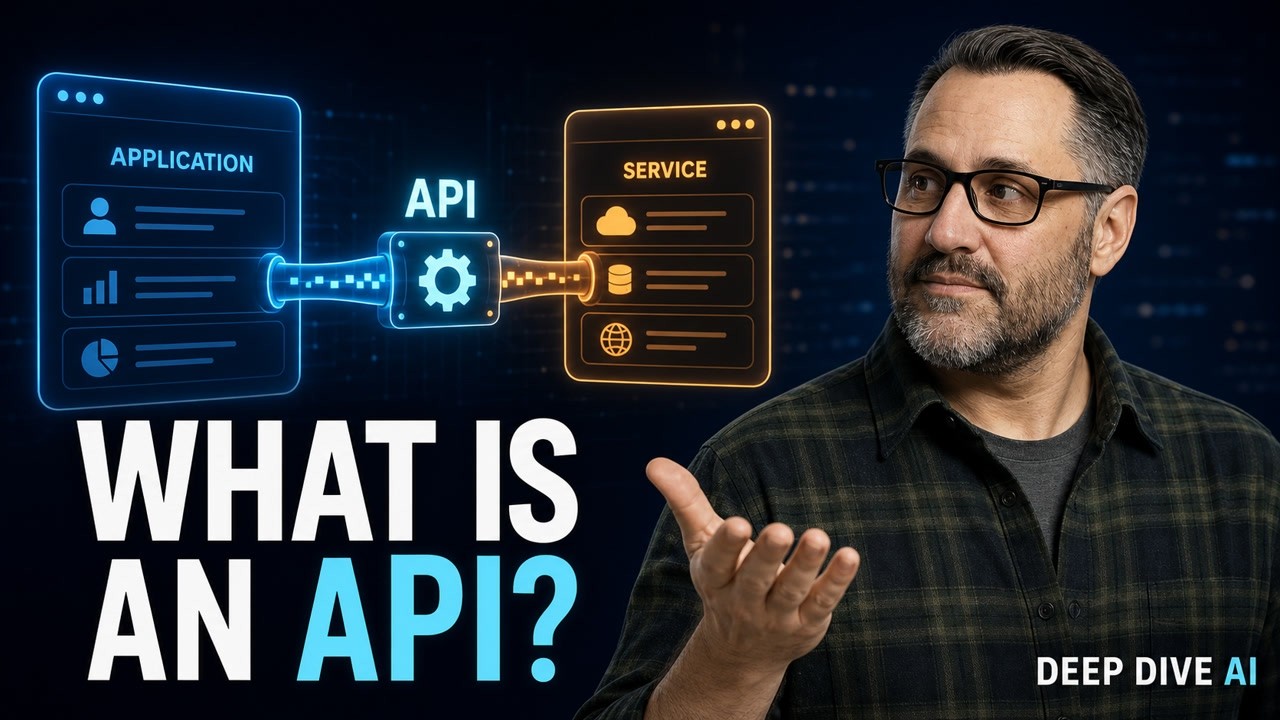
Watch the concise explainer
The one big takeaway
An API is the handle designed for you to grab. The system behind it might be a browser engine in the same room, a library on your hard drive, or a remote service on another continent. You find the program under the hood by reading the initialization, installation, network, input, and output clues.
Once you know where the machinery lives, the documentation stops looking like a magic spell. It becomes a contract: this is what you may ask, this is how you ask, and this is what comes back.
Subscribe to Deep Dive AI for more plain-English guides to the technology terms everyone assumes you already know.
Recommended beginner resources
- Head First JavaScript Programming: A Learner's Guide to Modern JavaScript
- JavaScript Crash Course: A Hands-On, Project-Based Introduction to Programming
- Web Design with HTML, CSS, JavaScript and jQuery Set
As an Amazon Associate I earn from qualifying purchases.


Comments
Post a Comment